
Live Event Equipment Checklist: Essential Gear Guide
Jul 19th 2026
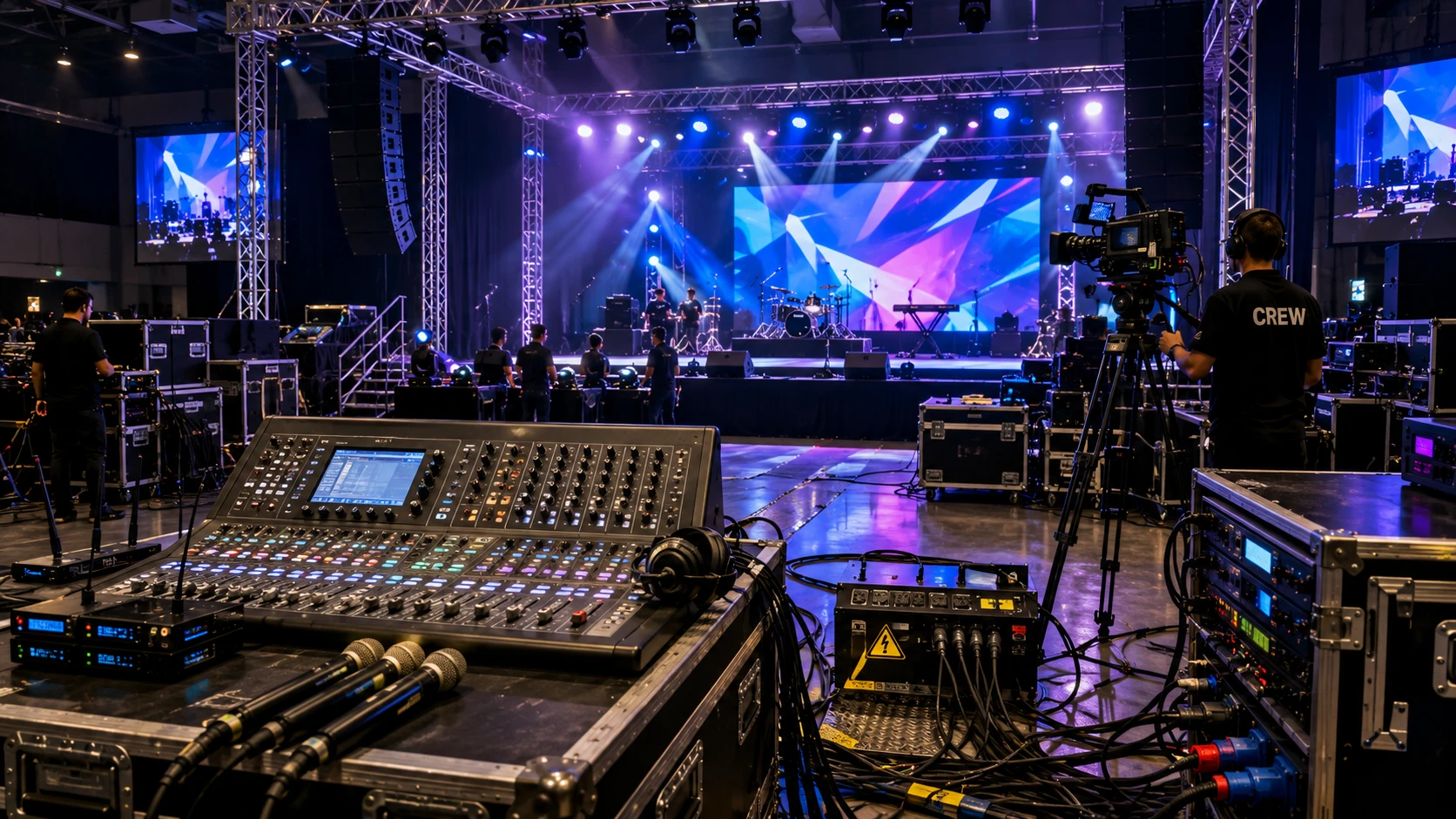
Live Event Equipment Checklist: Essential Gear for Every Event
A successful live event depends on more than talented performers or an attractive venue. Clear sound, effective lighting, reliable power, safe staging, and organized technical support must work together behind the scenes. Even one missing cable or adapter can delay the schedule and disrupt the audience experience.
This live event equipment checklist covers the essential gear required for concerts, weddings, corporate presentations, festivals, school functions, and community events. Use it as a foundation, then adjust the quantities according to your venue, audience size, and production requirements.
Live Event Equipment at a Glance
| Category | Essential Equipment | Main Purpose |
|---|---|---|
| Audio | Speakers, mixer, microphones, monitors | Deliver clear sound |
| Lighting | LED fixtures, controller, stands | Improve visibility and atmosphere |
| Staging | Platforms, trussing, steps, barriers | Create safe performance areas |
| Video | Screens, projectors, cameras, switchers | Display presentations and visuals |
| Power | Distribution units, extensions, cable covers | Supply and manage power safely |
| Communication | Radios, headsets, intercom systems | Coordinate the production team |
| Backup Gear | Cables, batteries, microphones, adapters | Manage unexpected failures |
After selecting the required categories, create a quantity list. Writing “microphones” is helpful, but listing four wireless microphones, two wired backups, and ten XLR cables provides much clearer direction during loading and setup.
1. Professional Audio Equipment
Poor sound can ruin an event even when everything else looks perfect. The audio system should provide clear, balanced coverage throughout the audience area without excessive volume or distortion.
Essential audio equipment may include:
- Main PA speakers and subwoofers
- Audio mixer
- Wired or wireless microphones
- Microphone stands
- Stage monitors
- Amplifiers for passive speakers
- XLR, speaker, and instrument cables
- Direct boxes and signal processors
Choose speakers according to the venue and expected audience rather than relying only on power ratings. A small indoor presentation requires a different system from an outdoor concert. Larger spaces may need additional speakers to distribute sound evenly.
Test every input, microphone, speaker, and monitor during soundcheck. This leaves enough time to replace faulty equipment before guests arrive.
2. Stage Lighting Equipment
Lighting helps the audience see performers, creates atmosphere, and directs attention. Begin with practical illumination before introducing decorative effects.
LED PAR fixtures can provide general stage washes, while spotlights highlight speakers or performers. Backlights add depth and separate people from the background. Moving-head lights and effects can add energy to concerts, DJ sets, and entertainment productions.
Common lighting equipment includes:
- LED PAR or wash fixtures
- Spotlights and moving-head lights
- Lighting stands or trussing
- DMX controller and cables
- Rated clamps and safety cables
- Fog or haze machines where permitted
Program several dependable scenes before the event. Lighting changes should support the performance rather than distract from it.
3. Staging and Trussing Equipment
A stage creates a defined, visible area for performers and presenters. Modular platforms are useful because they can be adapted to different venue layouts.
Depending on the production, you may need platforms, steps, handrails, trussing, equipment risers, podiums, accessible ramps, and crowd-control barriers.
All staging and overhead equipment must remain within its rated capacity. Secure suspended fixtures with suitable clamps and independent safety cables. Structural rigging should always be handled or approved by qualified professionals.
4. Video and Presentation Equipment
Corporate events, conferences, product launches, and larger performances may require visual equipment. The system could include projectors, LED displays, screens, laptops, cameras, video switchers, converters, and HDMI or SDI cables.
Select screen size and brightness according to the viewing distance and ambient light. Test every presentation, video, font, transition, and audio file in advance. Keep a backup copy on a separate device and confirm which adapters each presenter’s laptop requires.
5. Power and Cable Management
Every technical system depends on reliable power. Calculate the requirements of the audio, lighting, video, and production equipment before connecting it.
Use properly rated power-distribution units, extension cables, surge protection, and cable covers. Secure cables near stages and audience walkways to prevent trip hazards. Keep power, audio, and data lines organized and clearly labeled.
Outdoor events require additional protection from weather and moisture. Generators should provide sufficient capacity and be positioned where noise and exhaust will not affect guests or performers.
6. Communication and Production Tools
Radios, wired headsets, or intercom systems allow stage managers and technical operators to communicate without leaving their positions. Before opening the venue, confirm communication channels, assign clear call signs, and check all batteries.
A production toolkit should also contain:
- Gaffer tape and cable ties
- Flashlights
- Spare batteries
- Common adapters
- Basic hand tools
- Labels and markers
- Cable covers
You can explore professional audio, lighting, staging, and production solutions from World of Entertainment when building or expanding your event equipment inventory.
7. Backup Equipment
Equipment can fail even after successful testing. Prepare backups for items that could stop the production, including microphones, signal cables, power cables, adapters, batteries, and playback devices.
Store backup gear in labeled cases and place it somewhere the technical team can access quickly. A replacement hidden inside an unloaded vehicle will not help during a live performance.
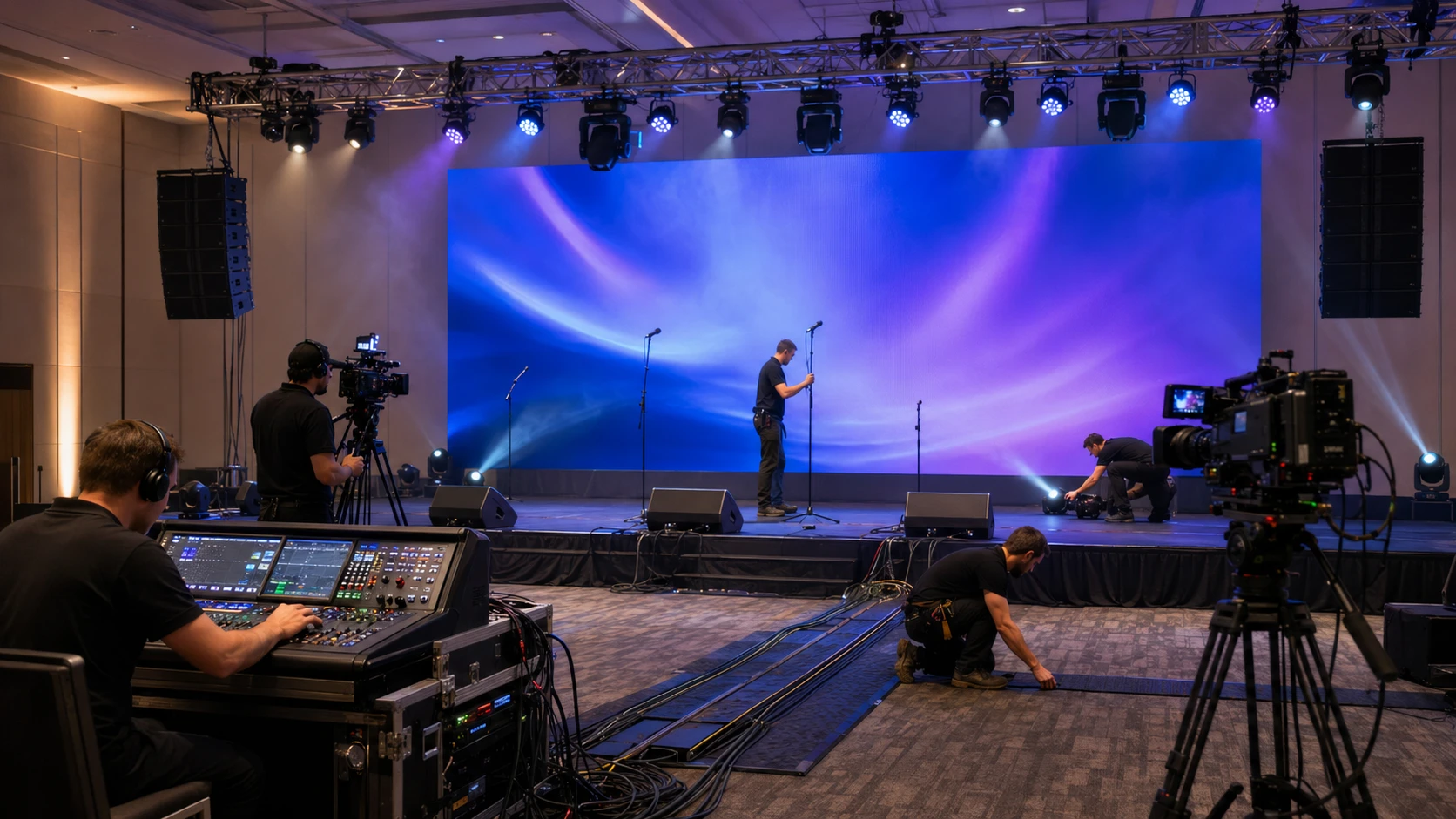
How to Plan the Right Equipment List
Start with the event schedule and identify every presentation, performance, announcement, video, and changeover. Match equipment to each activity and confirm:
- Venue size and audience capacity
- Indoor or outdoor conditions
- Number of performers and presenters
- Available electrical service
- Setup and breakdown time
- Venue noise and rigging restrictions
- Accessibility requirements
- Technical staff and backup equipment
Visit the venue whenever possible. A site inspection may reveal limited power access, difficult loading routes, low ceilings, or cable-management problems that are not visible on a floor plan.
Final Thoughts
A reliable live event equipment checklist should be specific, easy to follow, and shared with the production team. Prioritize sound, visibility, safety, power, and backups before adding elaborate effects.
Test the complete system before guests enter and assign responsibility for every equipment category. If you need help choosing compatible gear, contact our event equipment experts for personalized guidance.
Live Event Equipment Checklist
Use the checklist below to verify that all essential equipment is ready before the event begins.
Audio
Main speakers and subwoofers
Mixer and microphones
Monitors and microphone stands
Audio and speaker cables
Lighting and Staging
Lighting fixtures and controller
DMX cables and terminator
Stands, clamps, and safety cables
Stage platforms, steps, and barriers
Video and Power
Screens, projectors, or displays
Laptops, adapters, and video cables
Power distribution and extension cables
Cable covers and surge protection
Production and Backup Gear
Radios or communication headsets
Gaffer tape, tools, and flashlights
Spare cables, batteries, and adapters
Backup microphone and playback device
Complete equipment test performed
Frequently Asked Questions
What equipment is essential for a live event?
Most events require audio equipment, lighting, power distribution, staging, communication tools, cables, and backup gear.
How early should event equipment be tested?
Complete technical testing should happen before the audience enters, with enough time available to replace faulty equipment.
Why is backup equipment important?
Spare cables, microphones, batteries, and playback devices help prevent a single failure from interrupting the event.
What should be included in a live event equipment checklist?
A complete checklist should include audio, lighting, staging, video, power, communication equipment, cables, tools, and backup gear.